
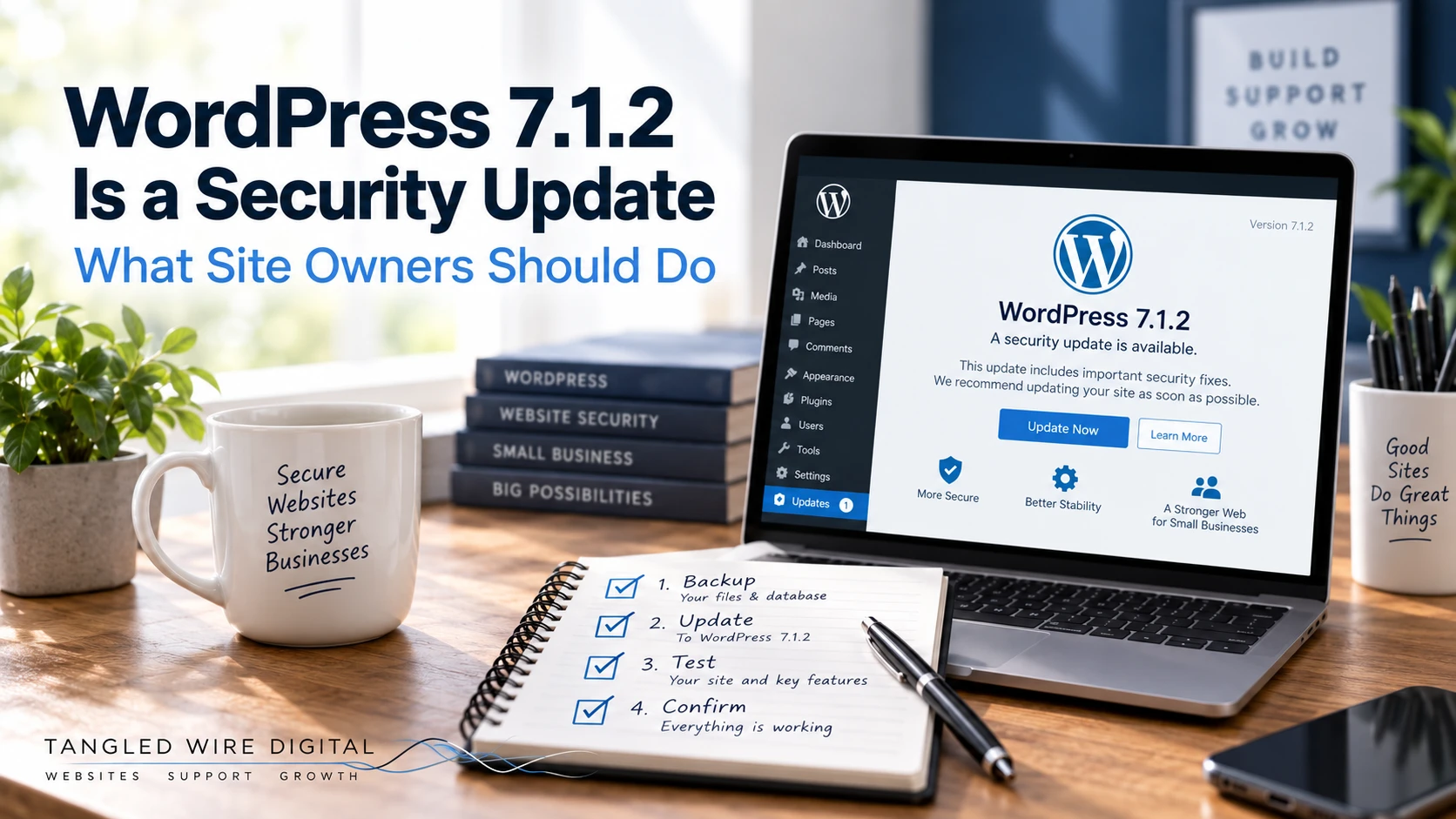
WordPress 7.1.2 was released on 22 September 2026 as a security update.
The WordPress security team describes the issue fixed in this release as critical severity and recommends updating immediately. Under a particular combination of server and theme conditions, an unauthenticated attacker could potentially cause WordPress to include a readable PHP file from outside the active theme directories, which could ultimately lead to remote code execution.
That sounds dramatic, but the useful response is not panic. It is simply to make sure your WordPress site is properly maintained.
First: check which version you are running
Log in to WordPress and look at Dashboard → Updates.
If your site is still running WordPress 7.1, 7.1.1 or another affected older release, update to the latest supported release.
Do not assume that because automatic updates are enabled the update has definitely happened. Check.
Take a backup before making changes
Security updates are important, but so is being able to recover if an update exposes a compatibility problem with a plugin or theme.
A proper backup should give you a way back to both your website files and database.
A backup that has never been tested or cannot actually be restored is less reassuring than it sounds.
Update WordPress, then check the website
Do not stop when WordPress says the update completed successfully.
Open the public site and check the things customers actually use.
At minimum I would check:
- the homepage;
- the main navigation;
- important service or product pages;
- mobile layout;
- contact forms;
- login and administration;
- any booking, payment or enquiry journey;
- obvious JavaScript-powered features.
If your website has caching, also make sure you are looking at the new version rather than an old cached page.
Check your plugins and theme too
Updating WordPress Core is only one part of website maintenance.
Plugins and themes receive their own bug fixes and security updates, and they need to be kept current as well.
That does not mean blindly pressing “update everything” on an important business site with no recovery plan.
The sensible process is:
backup → update → test → confirm
If the site is particularly important, test potentially disruptive updates away from the live site first.
What if the update breaks something?
Do not immediately start deleting plugins or changing random settings.
First establish what actually changed. This guide to what to do when a WordPress update breaks your site explains the first steps.
A failed update might be caused by the theme, a plugin compatibility problem, caching, PHP compatibility or a partial update rather than WordPress itself.
The practical takeaway
WordPress 7.1.2 is a security release, not just a collection of cosmetic improvements.
If your site has not updated, deal with it.
If somebody manages your WordPress site for you, ask them which version it is running and whether the update has been checked rather than simply installed.
A maintained website should not depend on somebody remembering to look at the dashboard every few months.
For help diagnosing a fault, see WordPress Support. For a routine update and recovery process, see Hosting & Care.