
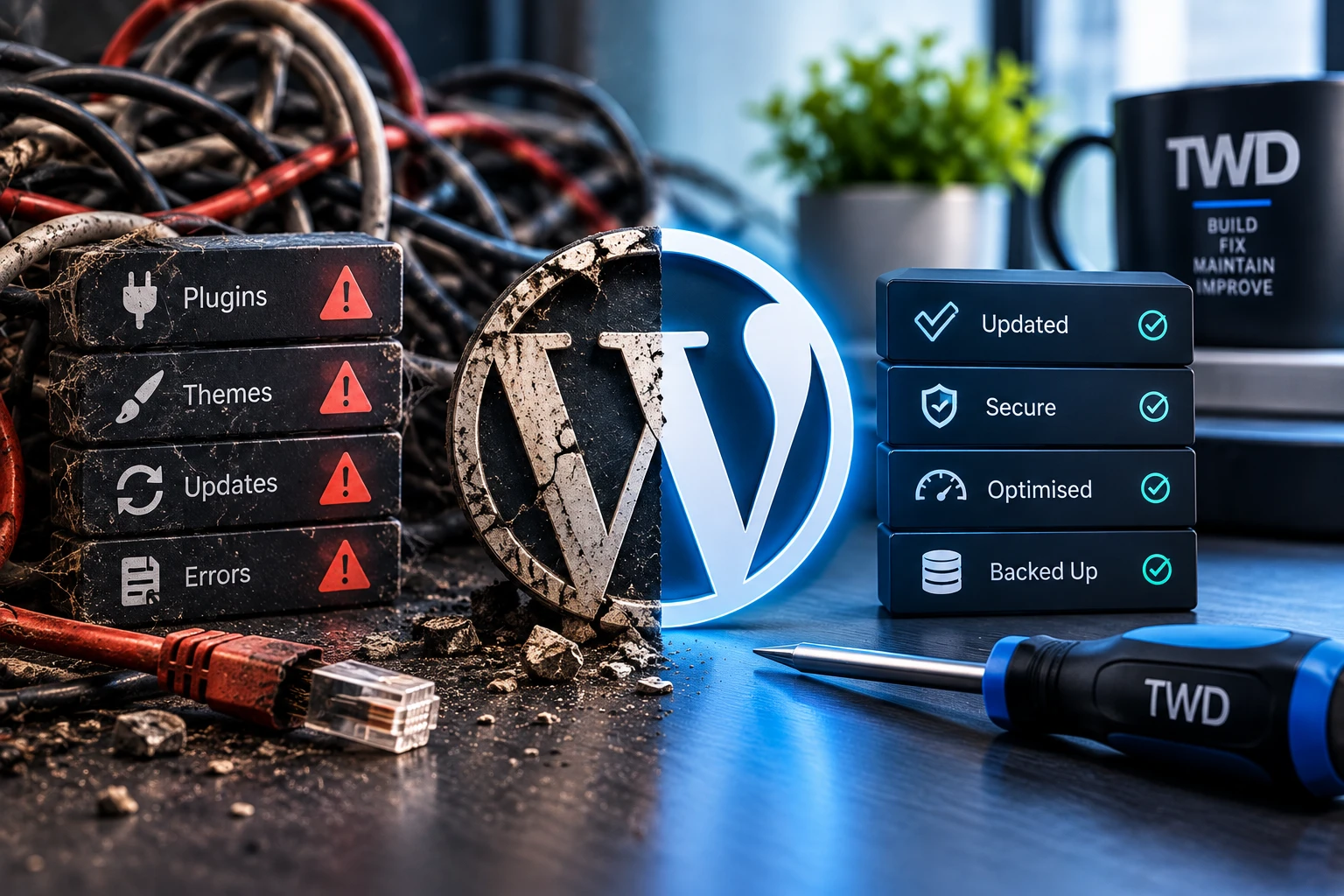
Managed WordPress hosting should include more than server space. It combines a suitable place to run the site with routine updates, backups, monitoring, maintenance and a clear support route when something goes wrong.
What does ordinary web hosting provide?
At its simplest, hosting provides the infrastructure that makes a website available online. The account may include storage, a database, email or a control panel, but that does not necessarily mean somebody is looking after WordPress itself.
With an unmanaged arrangement, the site owner is usually responsible for WordPress updates, plugin and theme maintenance, backups, fault diagnosis and checking that important features still work. The host may keep the server running while treating a broken plugin or contact form as outside its support.
What should managed WordPress hosting include?
- A maintained WordPress setup. Core, plugins and themes need an update process rather than being left indefinitely or updated blindly.
- Backups with a recovery purpose. Ask what is backed up, how often it happens, how long copies are kept and how a restore is performed.
- Monitoring. Useful checks can flag that a site is unavailable or that something needs attention, although monitoring cannot prevent every failure.
- Routine maintenance. Old components, unnecessary accounts and obvious configuration problems should not be allowed to accumulate unnoticed.
- Security basics. Supported software, sensible access, updates and backups reduce avoidable risk. No responsible service can promise that a website will never be attacked or fail.
- A support route. When something goes wrong, it should be clear who will investigate the website rather than simply confirm that the server is online.
- Room for sensible improvements. A maintained site often benefits from small changes to content, forms, performance or usability as the business evolves.
Are automatic updates enough?
Automatic updates are useful for some sites and components, but the setting itself is not a care service. An update can complete successfully while changing a layout, breaking an integration or stopping a form from sending. Important workflows still need an appropriate check and there needs to be a recovery route.
The right update approach depends on the site. A simple brochure site and a website with payments, memberships or custom integrations do not carry the same risk. Managed care should take that context into account.
What questions should you ask a managed hosting provider?
- Who is responsible for WordPress, plugin and theme updates?
- What happens if an update breaks the site?
- What do the backups contain, and has the restore process been considered?
- What is monitored, and what happens when a check fails?
- Are form, shop or other business-critical features included in routine checks?
- Who do you contact when the site has a problem that is not a server outage?
- Can the arrangement support small ongoing improvements?
Do you need to move an existing website?
Not necessarily. If the current hosting is suitable, it may be possible to improve how the WordPress site is maintained without moving it. A migration makes sense when it solves a real limitation, supports a better care arrangement or removes an avoidable source of problems.
The Hosting & Care service starts by understanding the existing site and what needs to be managed. One-off faults can also begin with WordPress support rather than a hosting move.
Want somebody to look after the whole site?
Tell me where the site is hosted, how it is currently maintained and what you want to stop worrying about.