
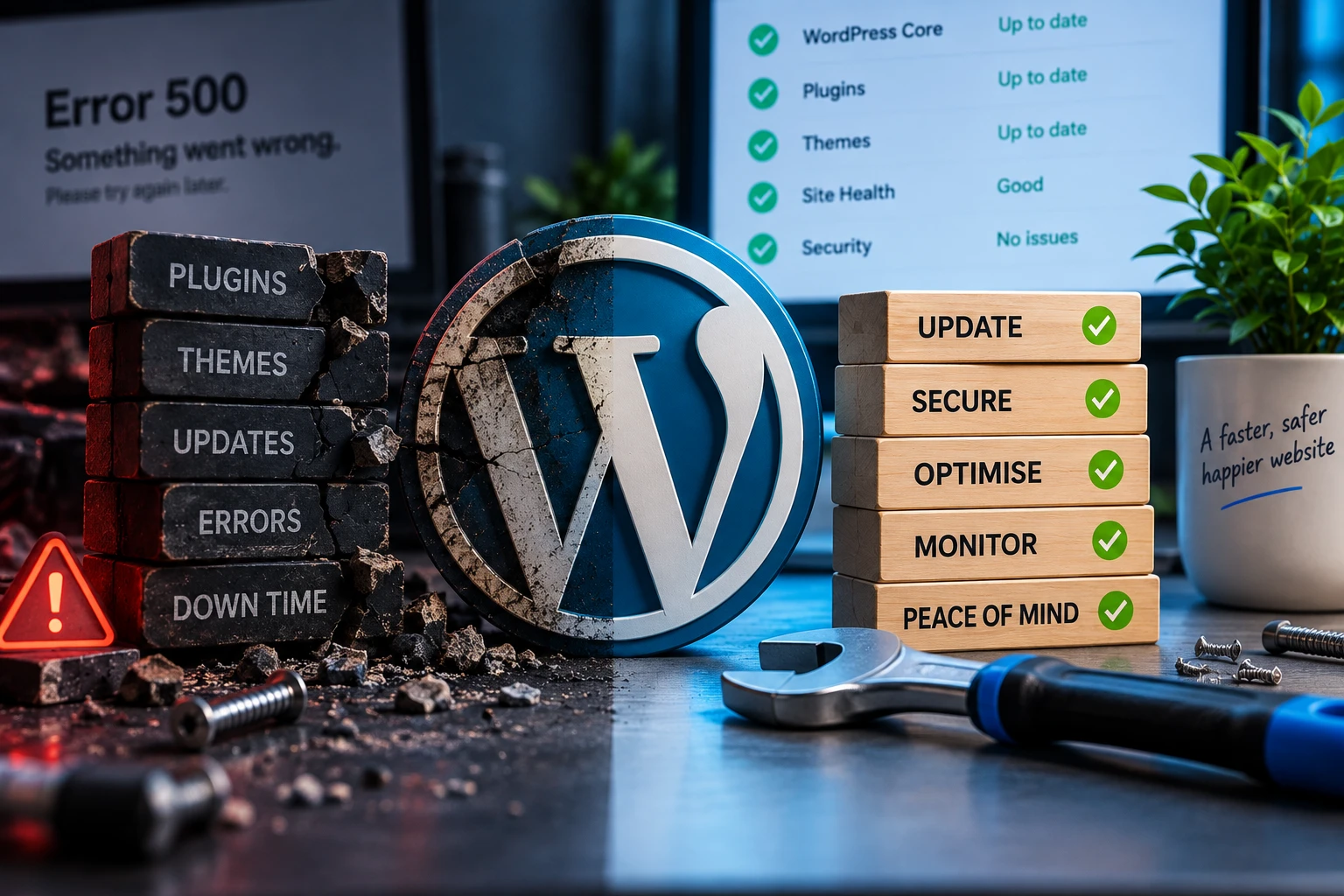
Repair an old WordPress website when its basic structure is sound and focused changes can solve the real problems. Rebuild it when the platform, editing experience or page structure keeps making every improvement slower and riskier. The right answer comes from inspecting the site, not from its age alone.
When is repairing the existing site sensible?
A repair is usually worth considering when the site still represents the business reasonably well, the important content is usable and the problems are contained. Examples include one broken form, a plugin conflict, a slow template, an awkward navigation label or a group of overdue content changes.
Repair also makes sense when the website has a stable WordPress setup and the team can still edit it. A focused piece of WordPress support can improve what matters without replacing working parts.
What are the signs that a rebuild may be better?
- The structure no longer matches the business. Important services are hidden, the navigation has grown without a plan, or visitors cannot tell what the company actually offers.
- Editing is fragile. Routine changes break layouts, depend on obsolete tools or require somebody to copy complicated formatting every time.
- The same faults keep returning. One repair exposes another because the theme, plugins or custom code are no longer maintained as a coherent setup.
- Mobile use is an afterthought. The site technically shrinks but important content, forms or calls to action are difficult to use on a phone.
- Performance work has nowhere sensible to go. The page builder or theme produces so much unnecessary work that each small speed improvement creates another compromise.
- A major business change is already needed. New services, new content and a new customer journey may make rebuilding more efficient than forcing the old structure to carry them.
What should a website review look at?
Start with the job the site needs to do. Can a visitor understand the offer, find the right information and take the next step? Then look at the practical condition: WordPress and PHP compatibility, theme and plugin maintenance, mobile behaviour, forms, integrations, accessibility, performance, hosting and the editing experience.
Separate content problems from technical problems. A new theme will not fix unclear service descriptions, and rewriting a page will not repair a broken enquiry route. The plan should say which problems can be solved in place and which ones are symptoms of the wider build.
Does a rebuild mean throwing everything away?
No. A good rebuild keeps useful content, proven customer journeys and any data that still has a purpose. It gives them a cleaner structure and removes the parts that are no longer helping. Existing URLs should be reviewed so important pages are migrated or redirected deliberately rather than disappearing.
The new site should also be easier to maintain. Responsive behaviour, editable content, forms, practical integrations and sensible SEO foundations belong in the plan from the start. Those are core parts of the WordPress website service. Before it goes live, use a WordPress website launch checklist to test the complete journey.
How do you avoid rebuilding too soon?
Ask for diagnosis before a proposal. Be clear about the business problem, not just the visible symptom, and request an explanation of what can be repaired. If a rebuild is recommended, it should solve identifiable structural or technical issues rather than simply replace an unfashionable design.
Not sure whether to repair or rebuild?
Tell me what is frustrating you about the current site. I can help separate the repairable faults from the reasons a new build might genuinely be useful.